Getting started
Sign in to SYDFUNDS
Access the workspace assigned to your SYDFUNDS account with your email address and password.
Before you start
- An active SYDFUNDS account
- The email address and password assigned to the account
Enter your account details
Enter your registered Email and Password. Select Remember password only on a device you control.
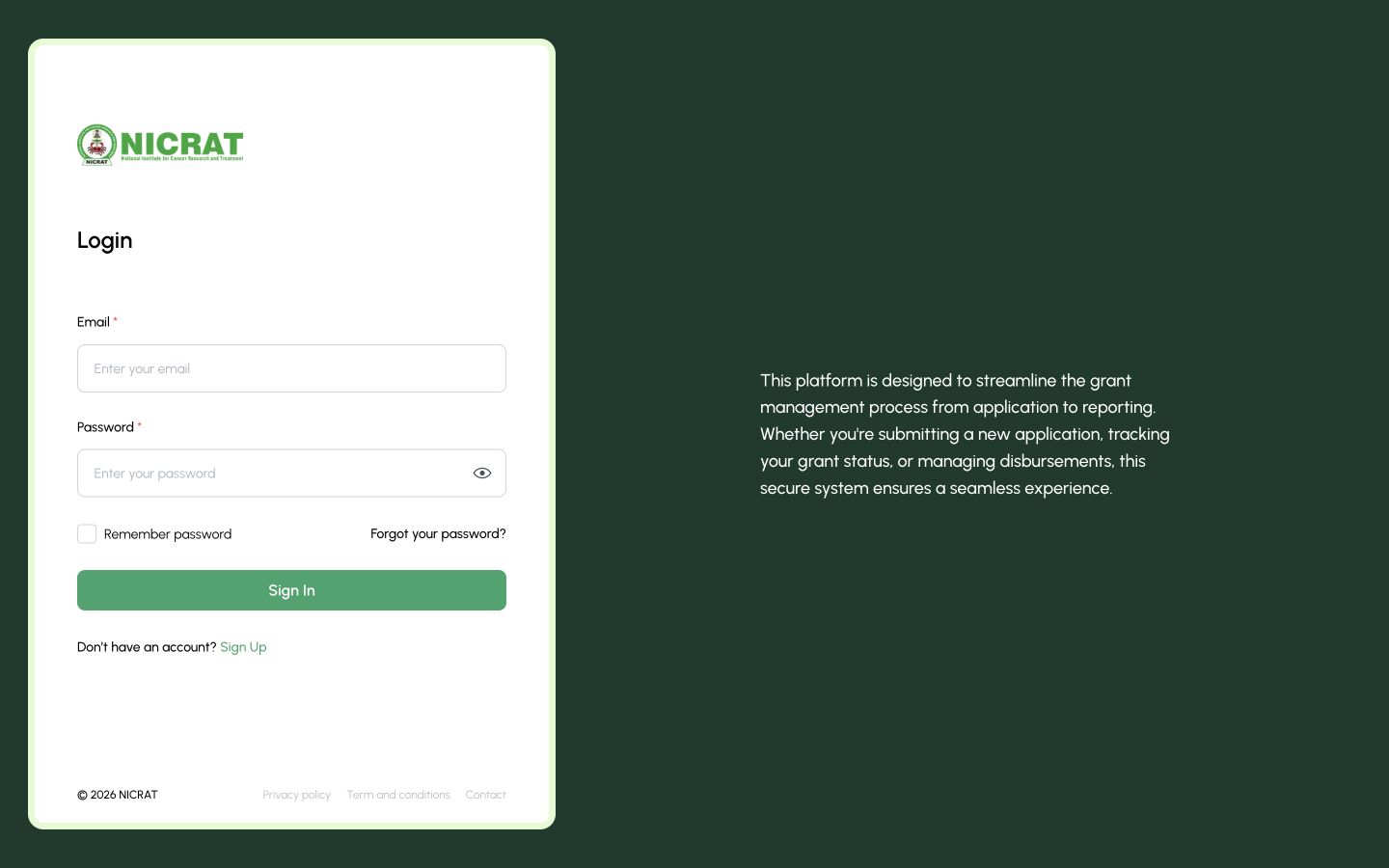
1 — Account sign-in form.
SYDFUNDS login page with Email, Password and Remember password fields
Open your workspace
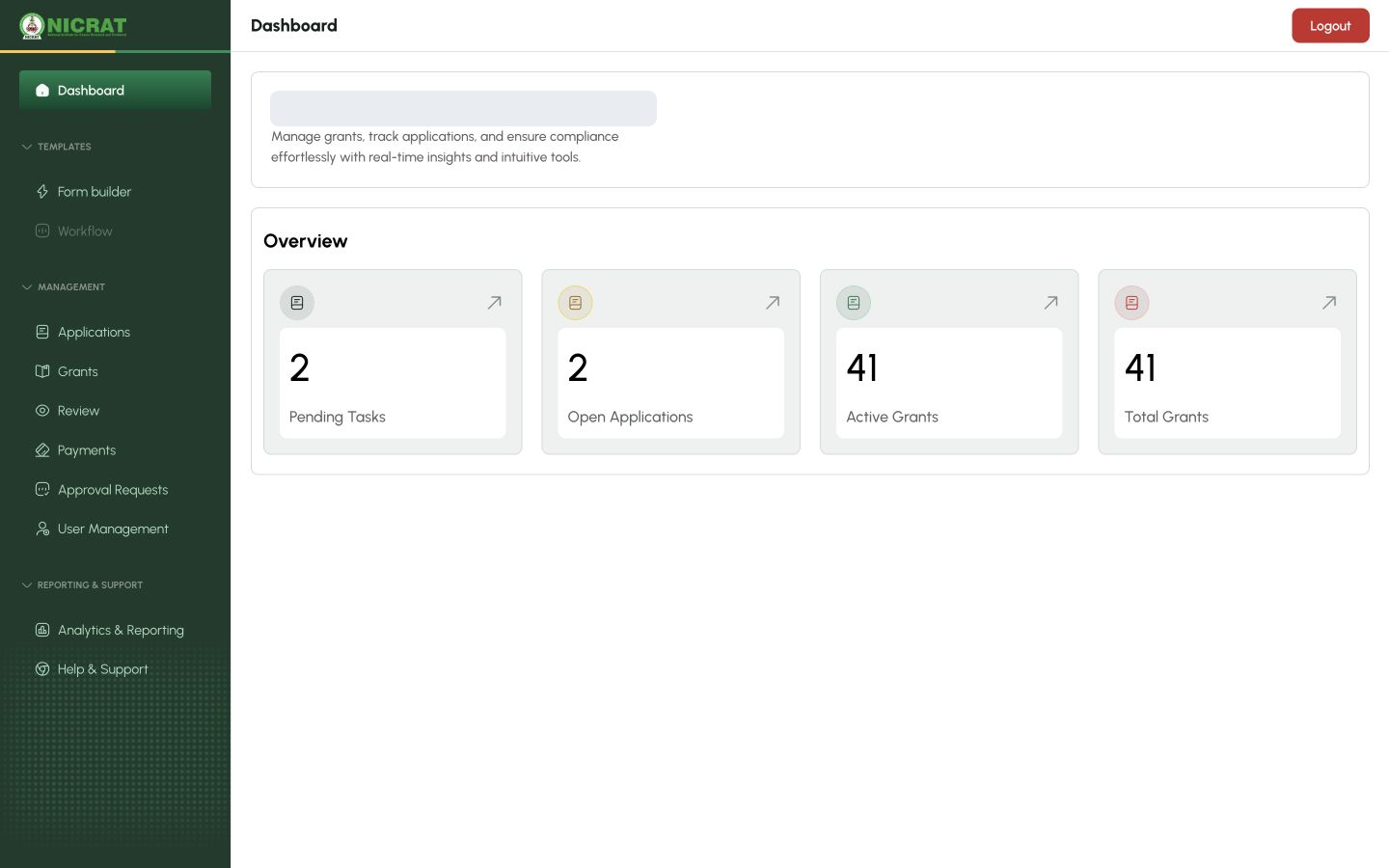
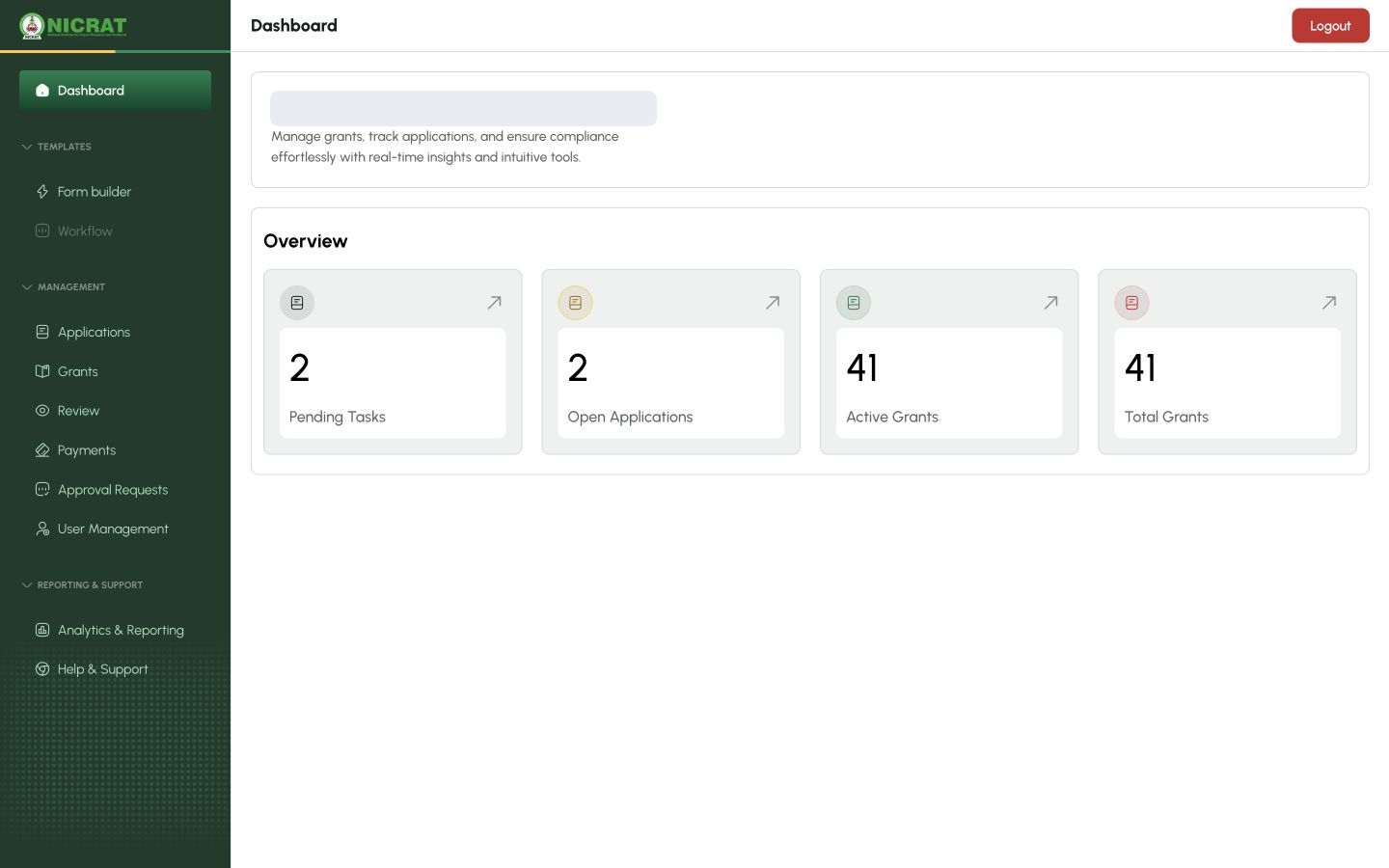
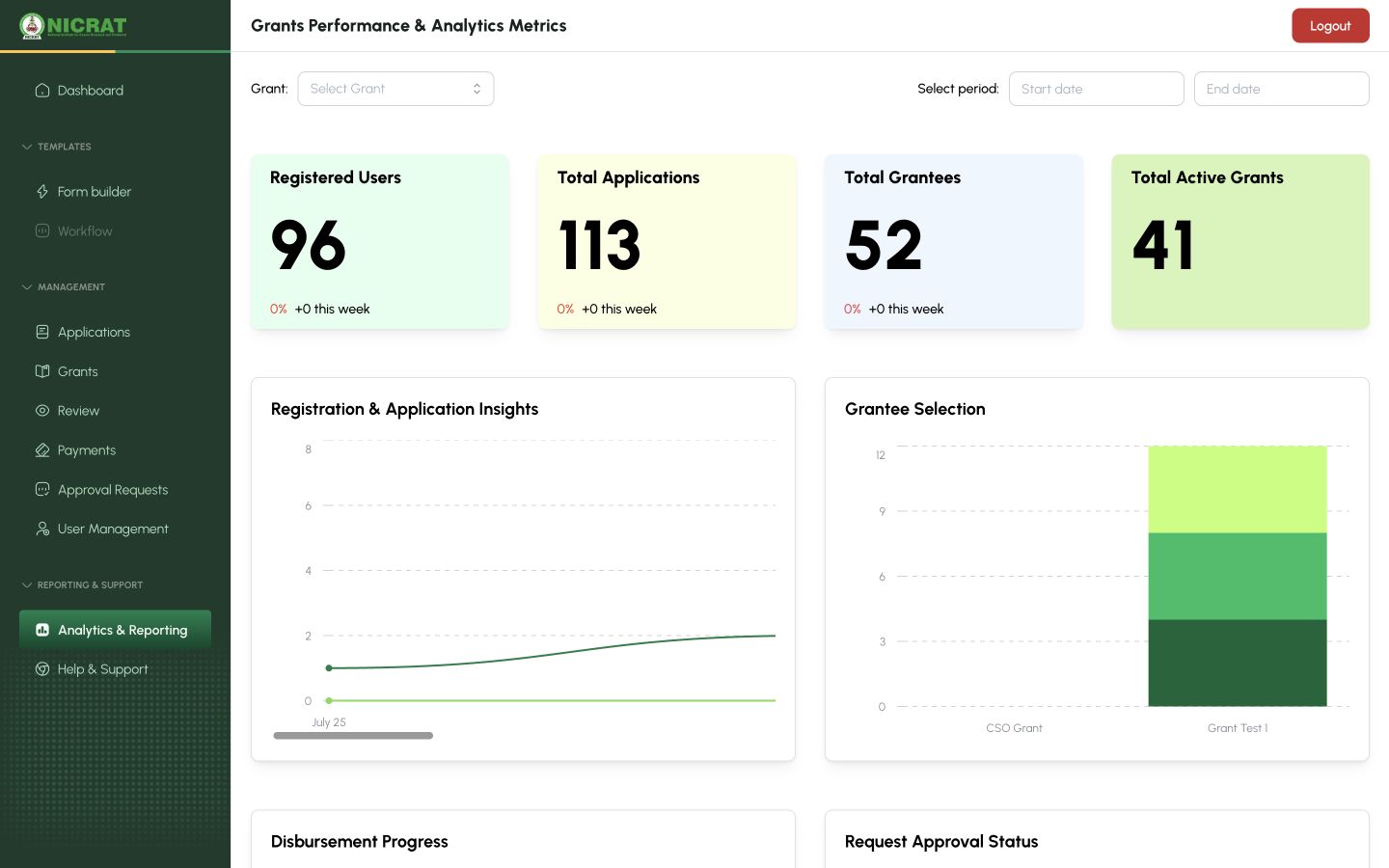
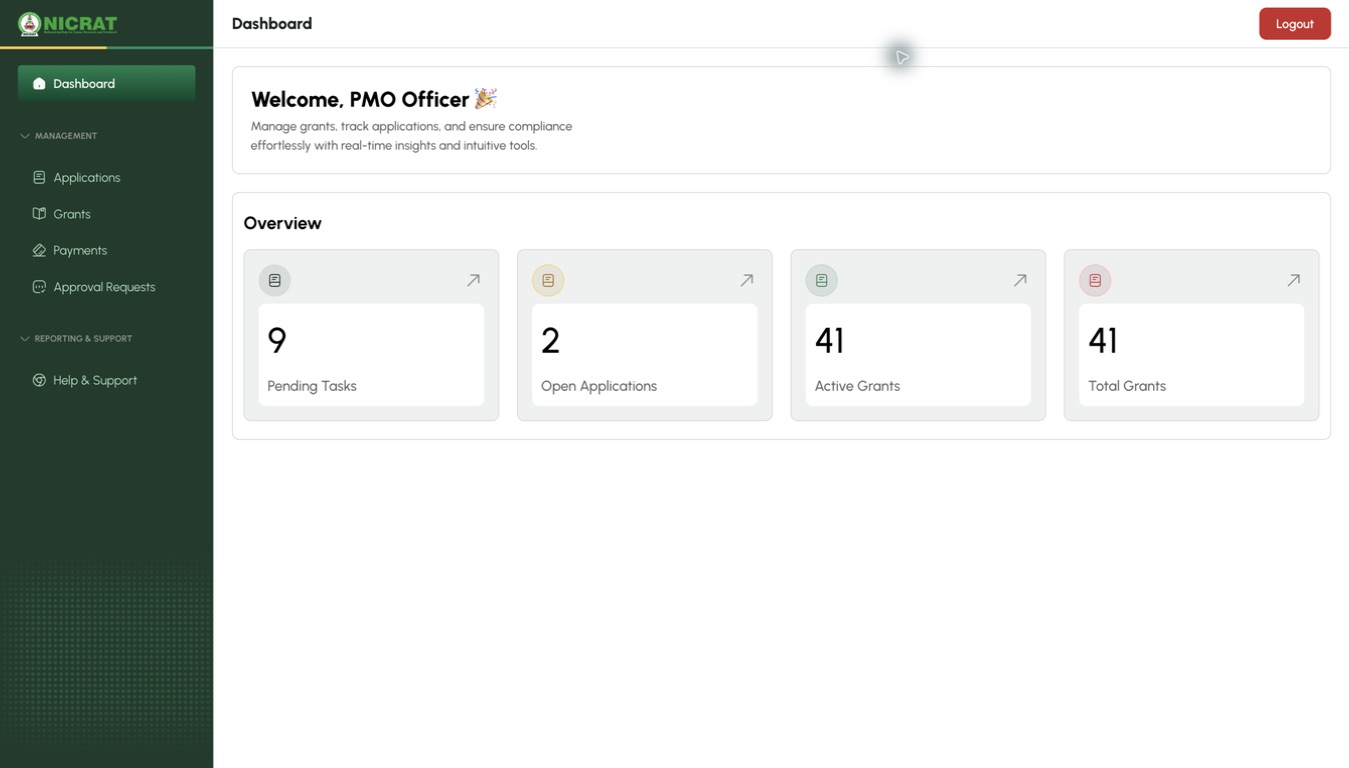
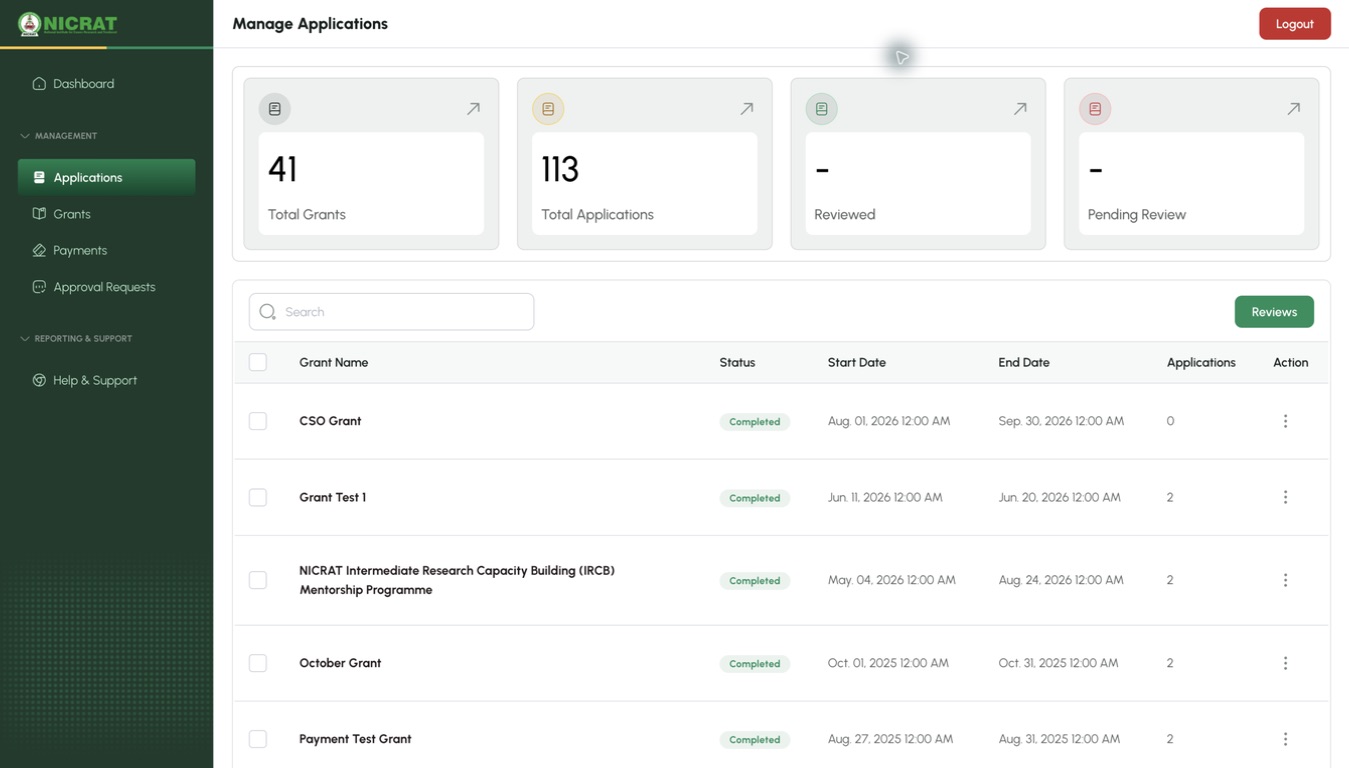
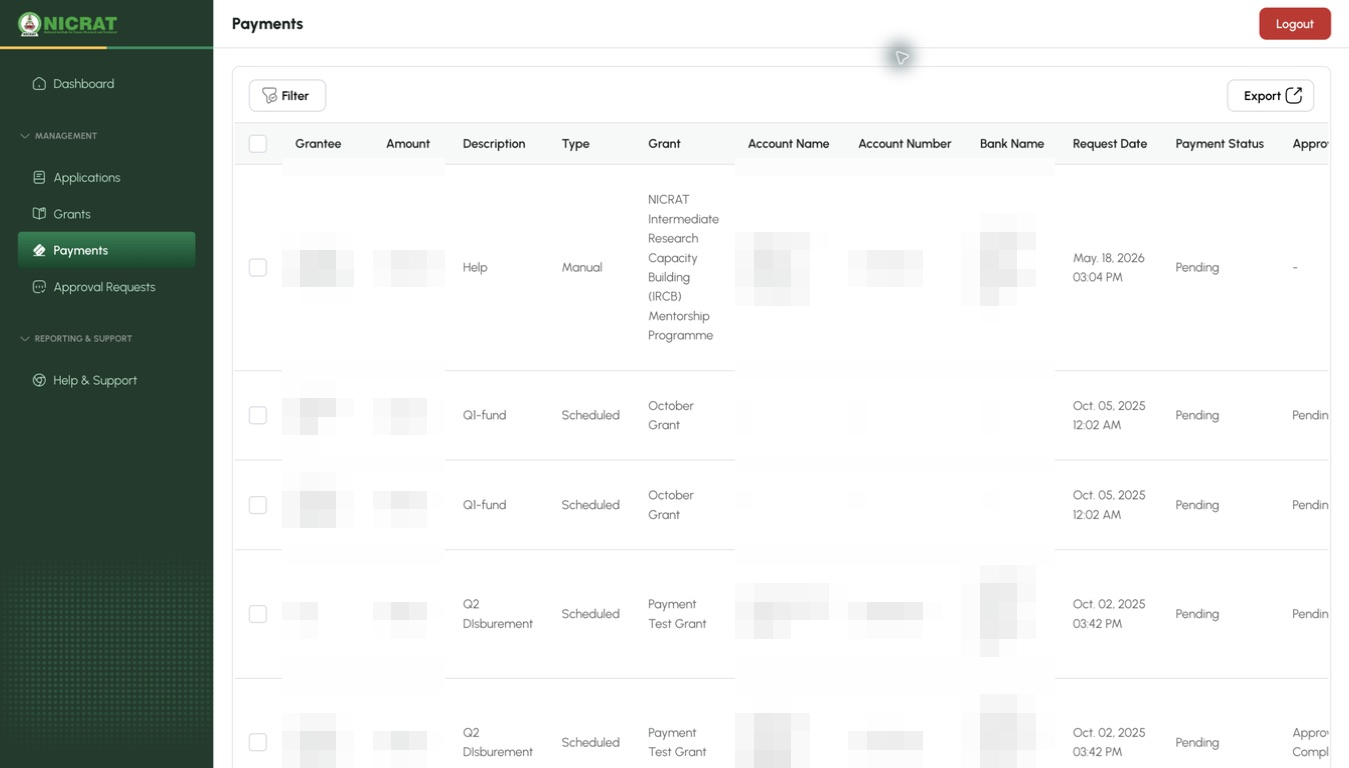
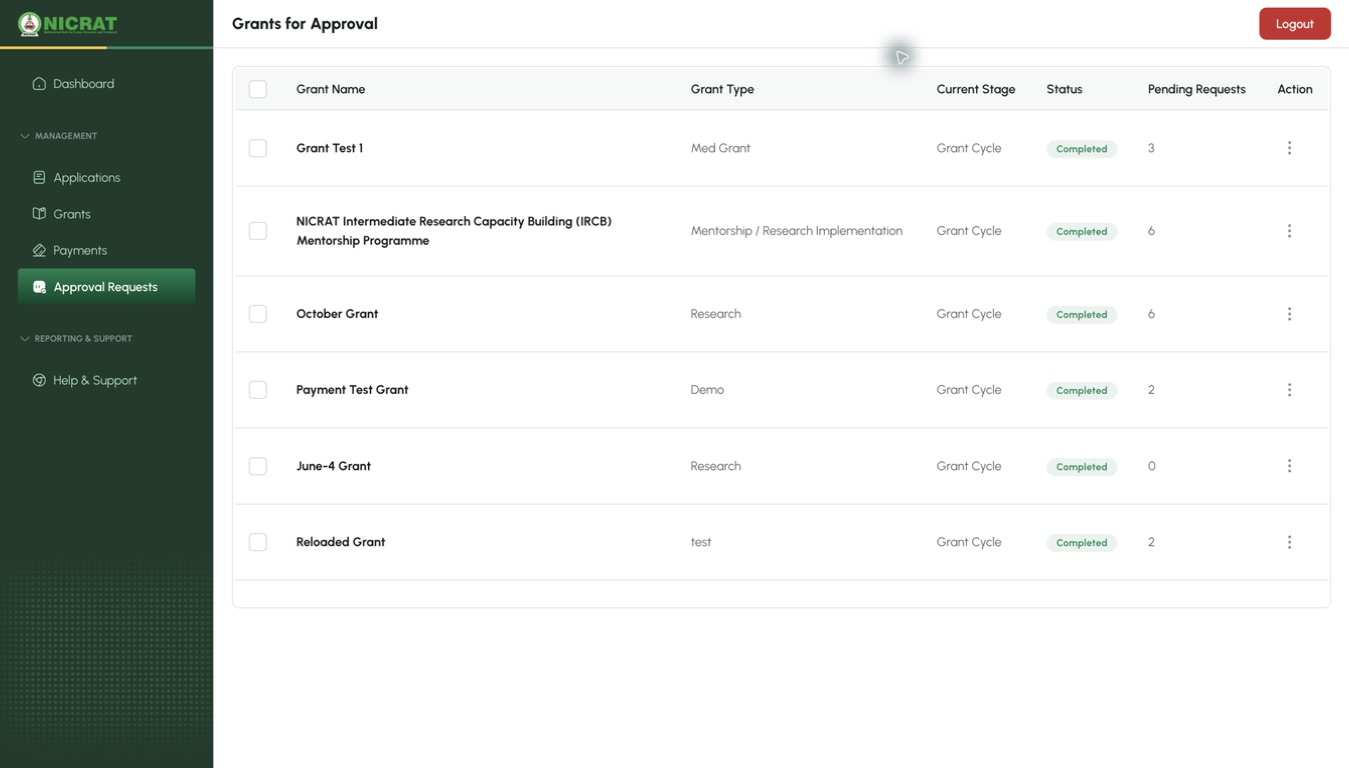
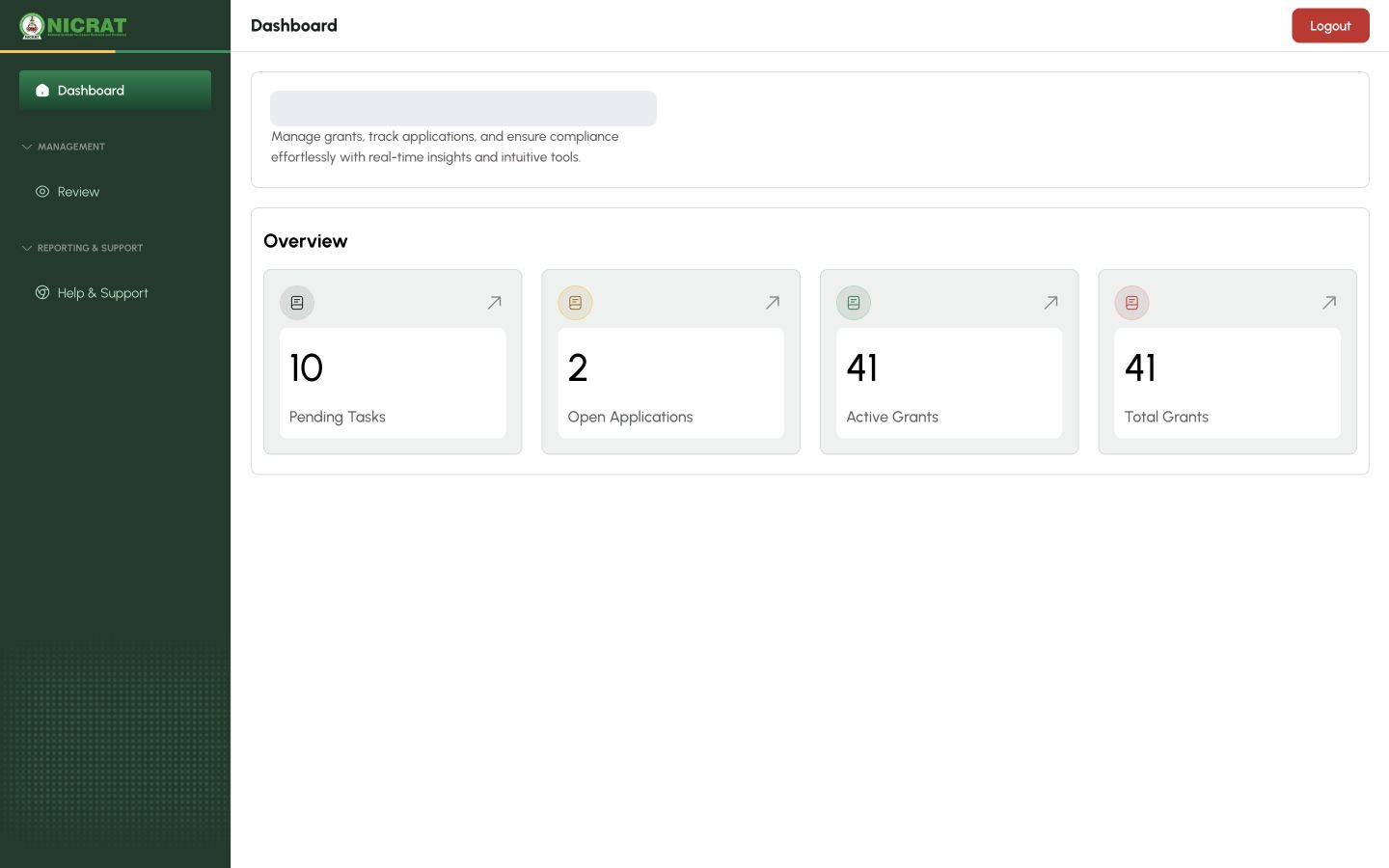
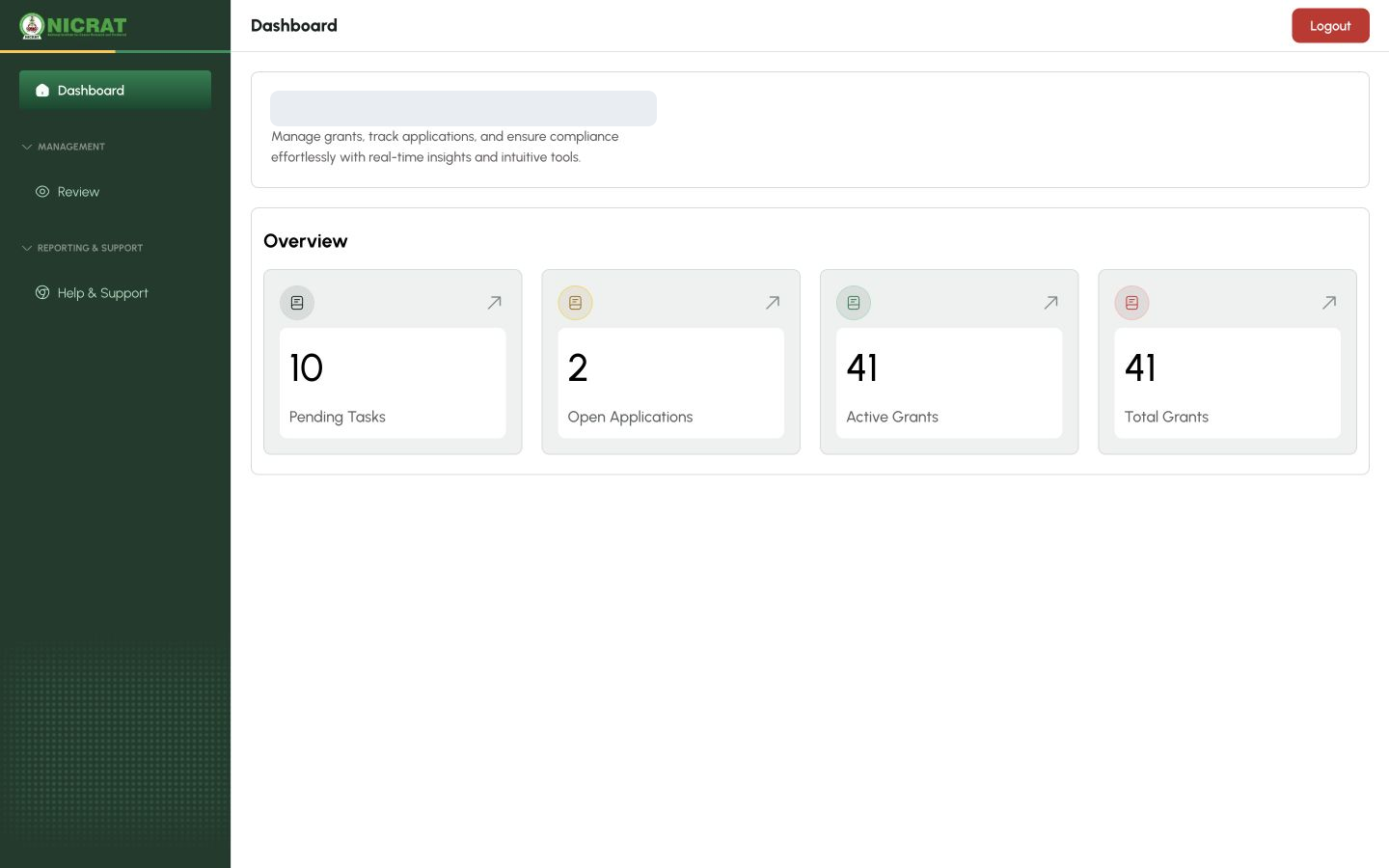
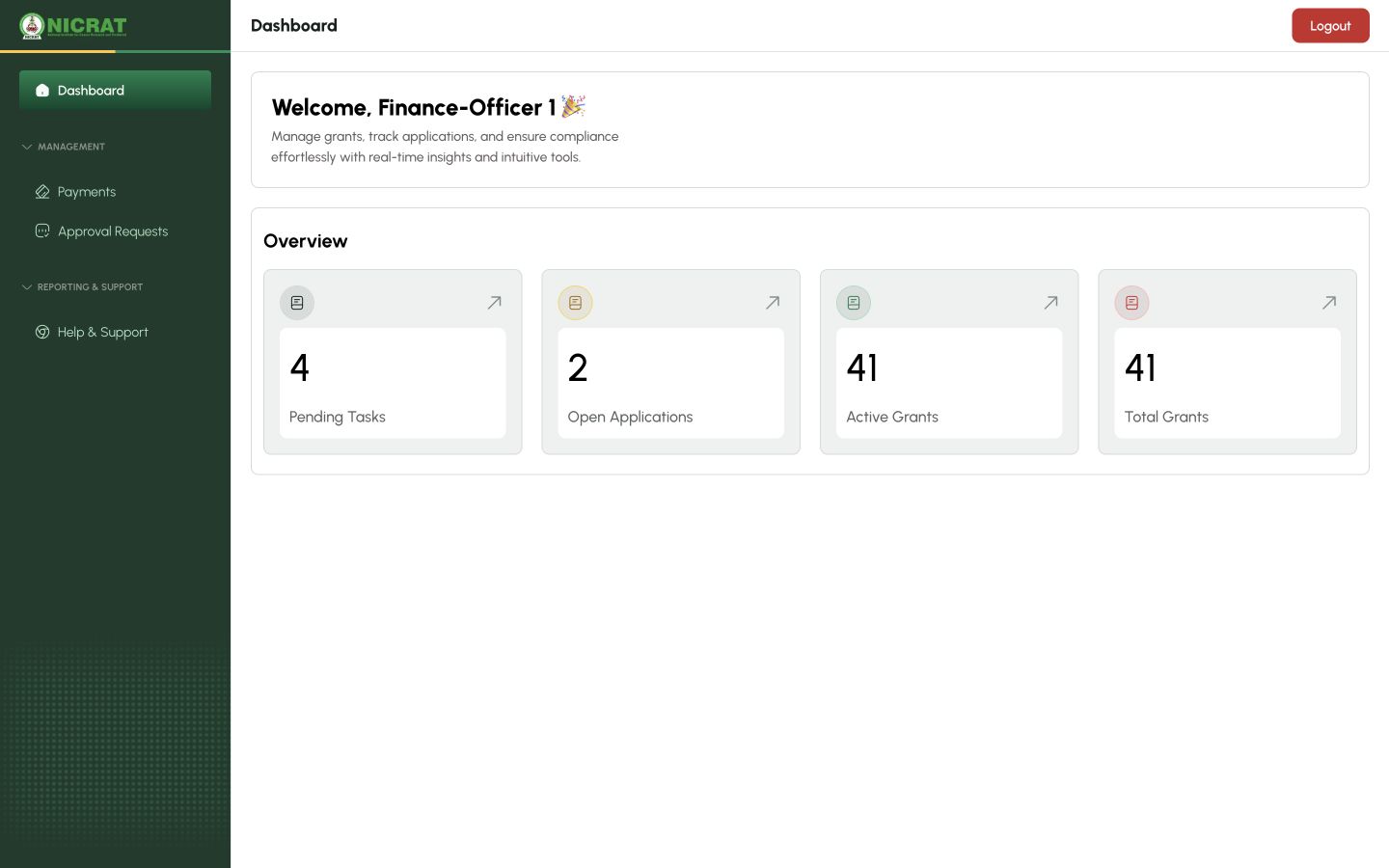
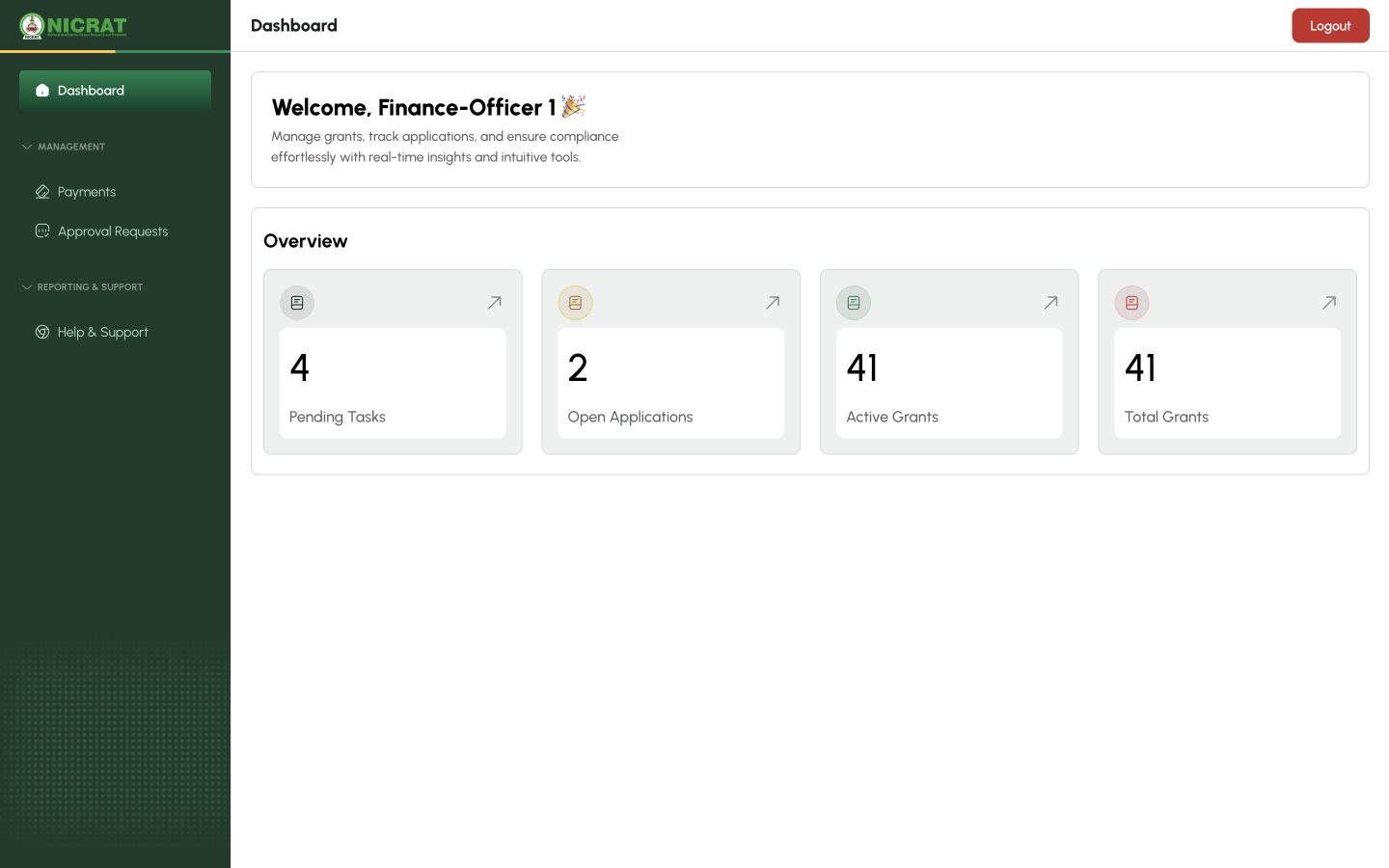
Select Sign In. Confirm that the dashboard and navigation match the role assigned to your account.
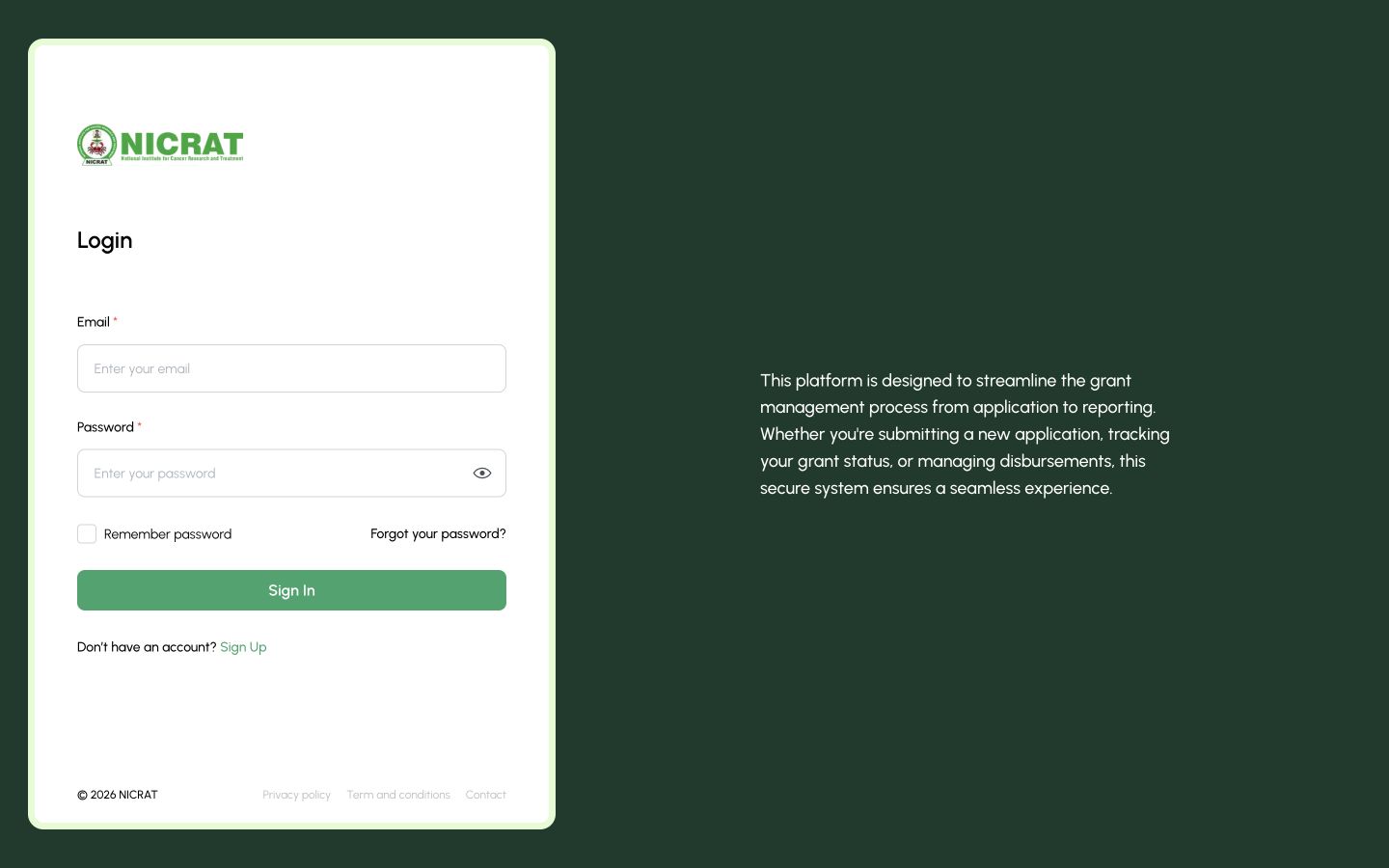
1 — Account sign-in form.
SYDFUNDS login page with the Sign In button
Done. The dashboard or workspace for your assigned role is open.
If something goes wrong
I forgot my password
Select Forgot your password? and follow the recovery instructions sent to your account email.
The account opens the wrong workspace
Sign out and confirm that you used the email address assigned to the intended role. Contact support if the role is still incorrect.